Apple Watch · 3 min read
Why your Apple Watch zone 2 differs from a calculator
Two zone 2 estimates can disagree because they use different formulas, inputs or definitions. Compare the actual
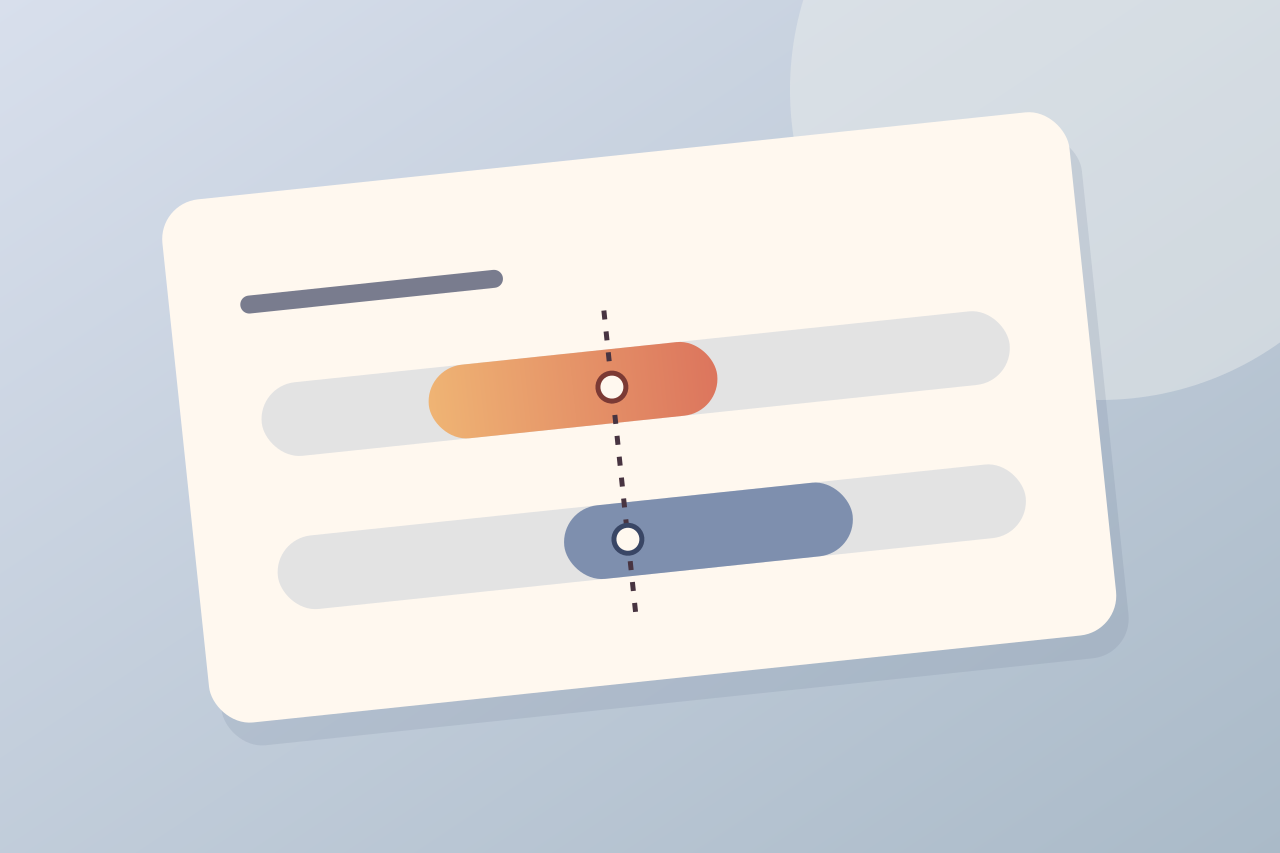
Separate three different questions
First: what heart rate did the device record? Second: which range did the software label zone 2? Third: how closely does that range describe your physiology? Those questions require different evidence.
Changing a formula changes the label applied to the same reading. It does not repair a sensor signal, and it does not prove that the new range is a
A worked example: same person, different arithmetic
Consider an illustrative maximum heart rate of 180 beats per minute and resting heart rate of 60. A
The arithmetic is different because the reserve is 180 minus 60, or 120. Neither illustrative range is a recommendation for you. These examples also do not claim to reproduce Apple's current automatic zone algorithm.
| 180 × 0.60 = 108 | 180 × 0.70 = 126 | |
| 60 + 120 × 0.60 = 132 | 60 + 120 × 0.70 = 144 |
Check your actual Watch settings
Apple documents automatic and manual Heart Rate Zones. Review the mode and boundaries on your device, using the official instructions for your software version. Compare those values with the calculator's stated method and inputs.
Do not change a range solely to make two screens agree. Matching displays may be convenient, but that is not evidence that the resulting training intensity is appropriate for you.
A comparison checklist you can keep on your own device
Use one recorded workout and write down the following without uploading personal health records to a website.
| Compare | Why it can change |
|---|---|
| The same session and dates | A single session, a calendar week and a rolling seven days are different windows. |
| Lower and upper BPM limits | The same zone number can refer to different ranges. |
| Method and inputs | Maximum-heart-rate, reserve and custom ranges use different arithmetic or choices. |
| The measurement being totaled | Workout duration, Exercise Time and supported |
| Gaps and sync state | An incomplete trace or stale weekly view cannot fairly be compared with a finished record. |
Locate the actual Watch settings · Check Base's counting and sync distinctions
What research says about the uncertainty
Meixner and colleagues studied 50 cyclists using laboratory tests and compared common intensity markers. Fixed percentages of maximum heart rate did not neatly represent every person's metabolic response. The study supports caution about treating
It does not validate one app's zones, establish an ideal range for every population or prove that another method always solves the problem. If an accurate physiological threshold matters to your training or medical care, an appropriate professional assessment is a different tool from a consumer calculator.
Evidence: Meixner et al. (2025): individual variability in zone 2 intensity markers
Use consistent comparisons
When comparing workouts, note whether the zone method or boundaries changed. A change in counted zone minutes could reflect new settings rather than a sudden change in fitness. Comparing one method consistently makes the story easier to interpret.
Base's zone engine includes
Sources & further reading
Source types matter:
- Apple: view Heart Rate Zones on Apple WatchOfficial product documentation
- Meixner et al. (2025): individual variability in zone 2 intensity markersLaboratory study · 50 cyclists
Build the base. See your week.
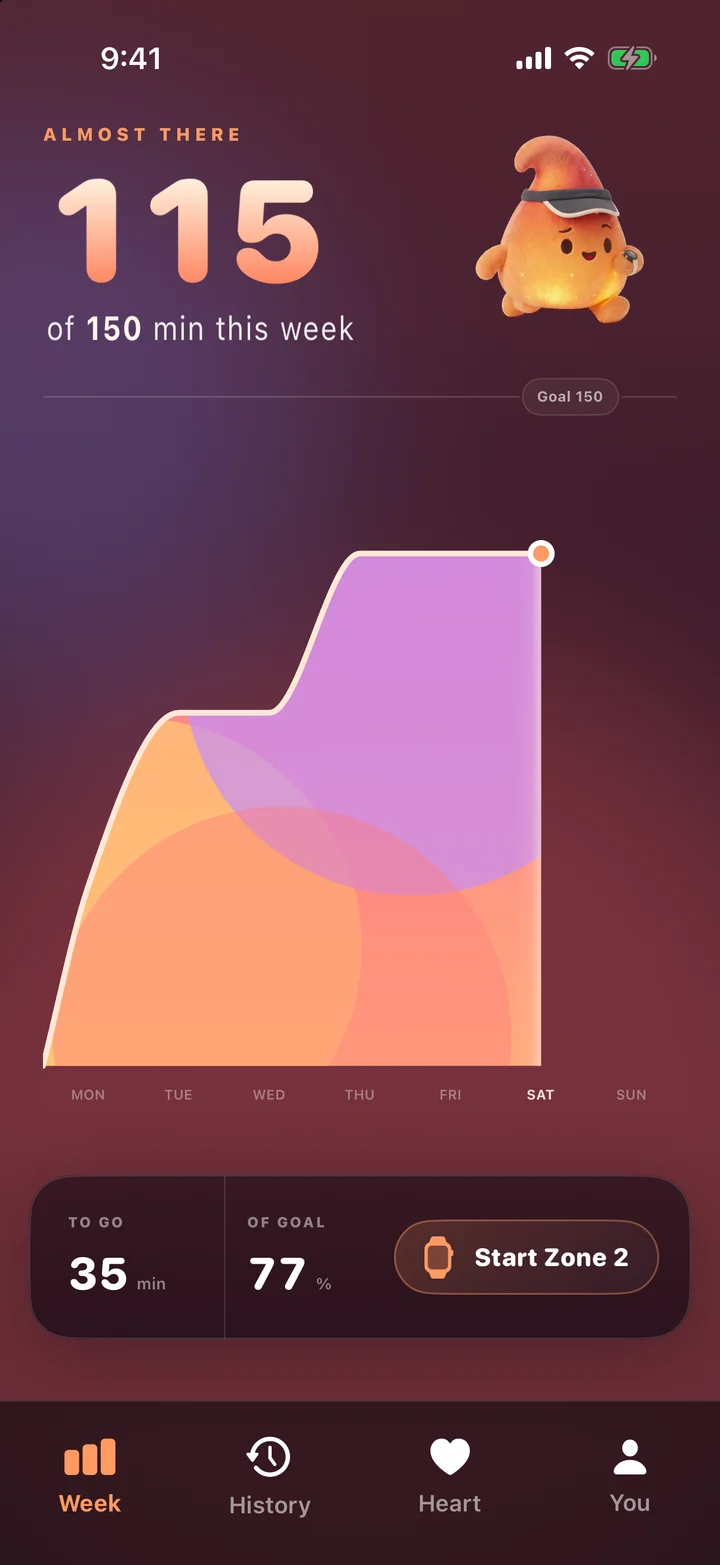
Make room for the aerobic habit you want to keep. Base brings supported zone 2 minutes from recorded workouts into a clear weekly view on iPhone and Apple Watch. Your
Explore the benefits and science · See how Base works · Read the privacy notice