Apple Watch · 3 min read
Zones for Training vs Base: workout zone reports or a weekly zone 2 count?
Zones for Training is a heart rate zone report app: it shows workout time in four zones by default, with a free version and a

How we checked
We installed both apps on an iPhone in November 2026, connected Apple Health and went through the main screens. We saw Zones' Pro offer but didn't buy it. We did not test Zones' Apple Watch app. Base is our app.
At a glance
| Zones | Base | |
|---|---|---|
| Main question | How did each workout split across my heart rate zones? | How many zone 2 minutes this week? |
| Zones | Four by default: Warm Up, Fat Burn, Cardio, Peak; a | Zone 2 only, with a choice of methods or your own limits |
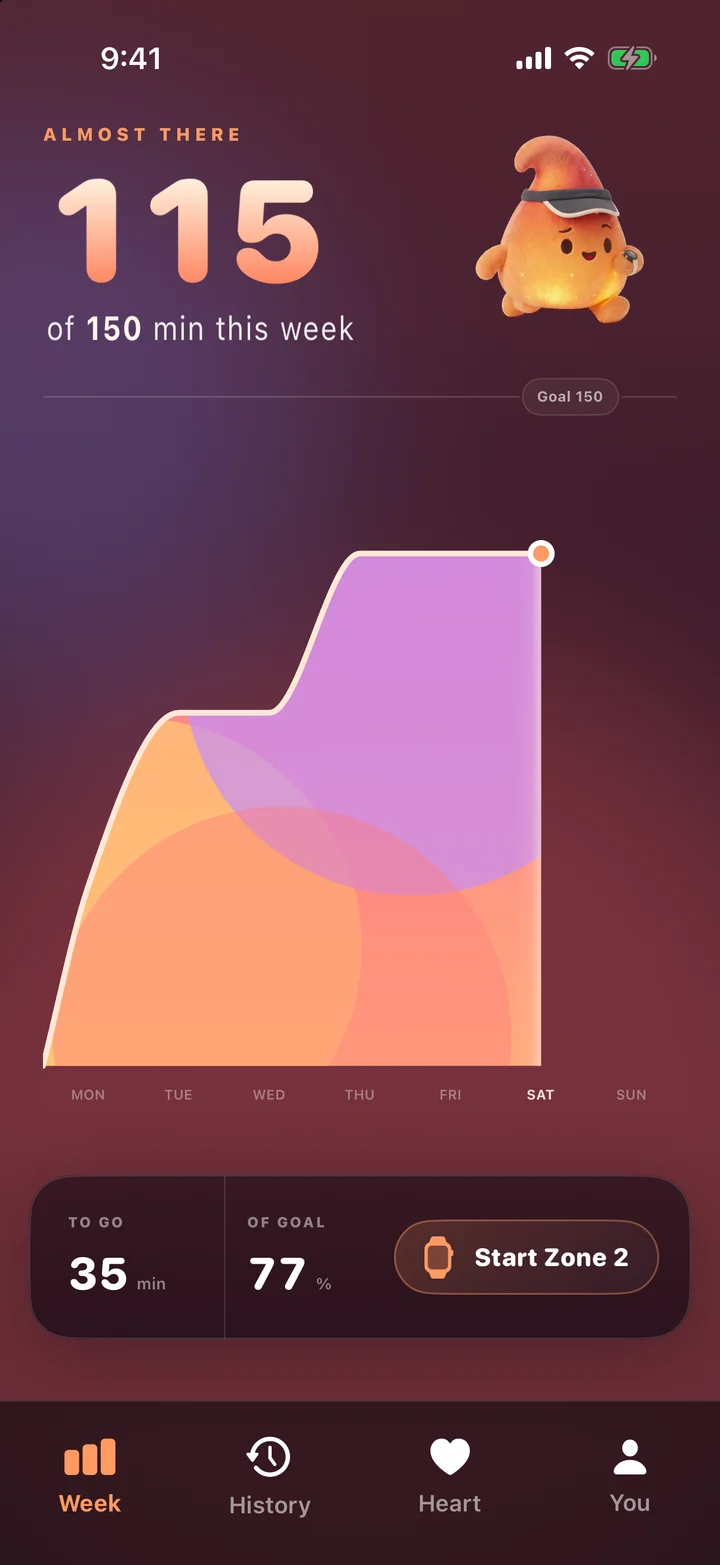
| Weekly view | This week's zone time against a weekly goal; the goal we saw counted workout duration | Zone 2 minutes to go toward a weekly goal you choose |
| Reads workouts from Apple Health | Yes, all workouts (App Store page) | Yes, any workout saved with heart rate |
| On Apple Watch | Live zone and a wrist tap when your zone changes (App Store page) | Optional zone 2 workout with live guidance |
| Free to try (Nov 2026) | Free version; Pro is a | No free version; |
| App Store rating (11 Nov 2026) | 4.8 from 19,240 ratings | 5.0 from 3 ratings |
Evidence: Zones for Training on the App Store · Base on the App Store
What Zones does well
Zones shows workout time in heart rate zones. The free app shows this week's zone time against a goal, your workout history with time in each zone, and
If you want workout zone reports and would rather pay once for an upgrade, Zones is a strong pick.
What Base does differently
Base counts one thing: minutes in your zone 2 range. It adds them up across workouts saved to Apple Health with heart rate and shows how many you have to go toward your weekly goal. In Zones, the default four zones don't single out zone 2 (its Fat Burn zone ran from 60% to 74% of maximum when we checked), and the weekly goal we saw counted total workout time.
If your goal is a weekly zone 2 habit, Base gives you that number directly.
Which should you pick?
- Want workout zone reports with a
one-time upgrade: Zones for Training. - Want one weekly zone 2 number and goal: Base.
Count your zone 2 minutes
Base counts your zone 2 minutes from recorded workouts in Apple Health and shows them as a weekly total on iPhone and Apple Watch. Keep the minutes coming week after week, and watch your Apple Watch VO₂ max estimate over months.
Sources & further reading
Source types matter:
- Zones for Training on the App StoreApp Store listing · checked November 11, 2026
- Base on the App StoreOur app's App Store listing · checked November 11, 2026
Your
Explore the benefits and science · See how Base works · Read the privacy notice